
Keynotes for leaders who want outcomes, not hype.
Practical, board-ready sessions on how to make AI useful inside the tools your people already live in: Microsoft 365. Built for leadership teams, IT and business owners who are sick of buzzwords and want a clear plan.
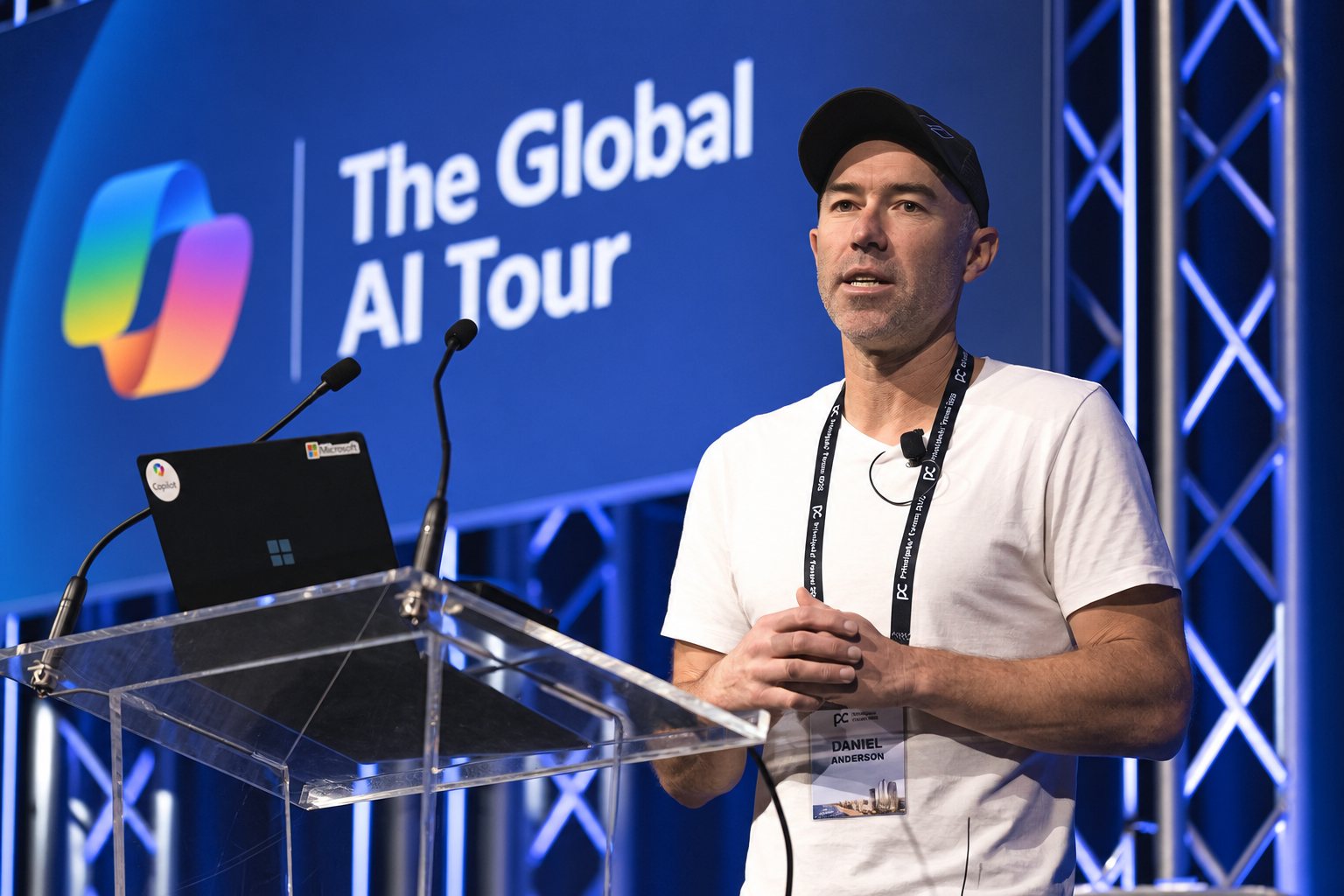
Twenty years in SharePoint and modern work. In the day to day, not commentating on it.
I'm a Microsoft MVP for Copilot and SharePoint. I help organisations turn Microsoft 365 into a serious operating system for knowledge, communication and execution, and make AI actually usable by grounding it in real information, real governance and real workflows. Everything I talk about on stage is running in my own business and in client work right now.
Five sessions, tailored to your room
Tell me your audience, your industry and what's slow right now, and I'll shape the session around it.
The AI mindset shift
From searching for information to getting outcomes.
Most AI programs fail because people treat Copilot like better search. This keynote shows the behavioural shift leaders need to drive, how to set expectations, and the practical habits that separate the top 5 percent of users from everyone else.
Leadership, exec teams, department heads, change programsCopilot that actually works
Why your Copilot rollout stalls, and how to fix it fast.
Copilot is only as good as the information it can reach. If SharePoint is a mess, permissions are chaotic and documents have no metadata, Copilot becomes unreliable. This session gives the playbook to get value quickly.
CIO, IT, M365 owners, digital workplace teamsSharePoint, but AI-ready
Controlled documents, metadata, governance and scale.
How to structure policies, procedures, templates and operational content so people can find it, trust it and use it. Then how to make it AI-ready so Copilot and agents pull the right context every time.
Information management, compliance, records, operations, HRCopilot agents in the real world
Beyond chat: agents that deliver work.
What agents are, what they are not, and where they win. Real examples: training agents, policy assistants, proposal support, client portals and internal knowledge agents.
IT, innovation teams, operations leaders, power usersModern work without tool chaos
Stop the Slack, Dropbox, email and spreadsheet sprawl.
A practical framework to reduce duplication, tighten governance and consolidate collaboration around Microsoft 365. Less noise, fewer "where is that file?" moments, and better decisions.
COOs, ops teams, IT, functional leadersSomething else?
Popular themes I build sessions around: Microsoft 365 Copilot, SharePoint information architecture, governance and controlled documents, Copilot agents and automation, modern work adoption and change.
Tell me what you needThree things the room leaves with
Clarity
A simple story leaders can repeat.
You'll leave with language and direction that actually lands with teams, not a slide deck nobody opens again.
Real adoption
Because training is not change.
I show the habits, workflows and operating rhythms that turn Copilot from a novelty into a capability people use every day.
AI that's safe to scale
Governance first, then velocity.
Practical guardrails around information architecture, permissions and content quality, so the AI on top of it is reliable.
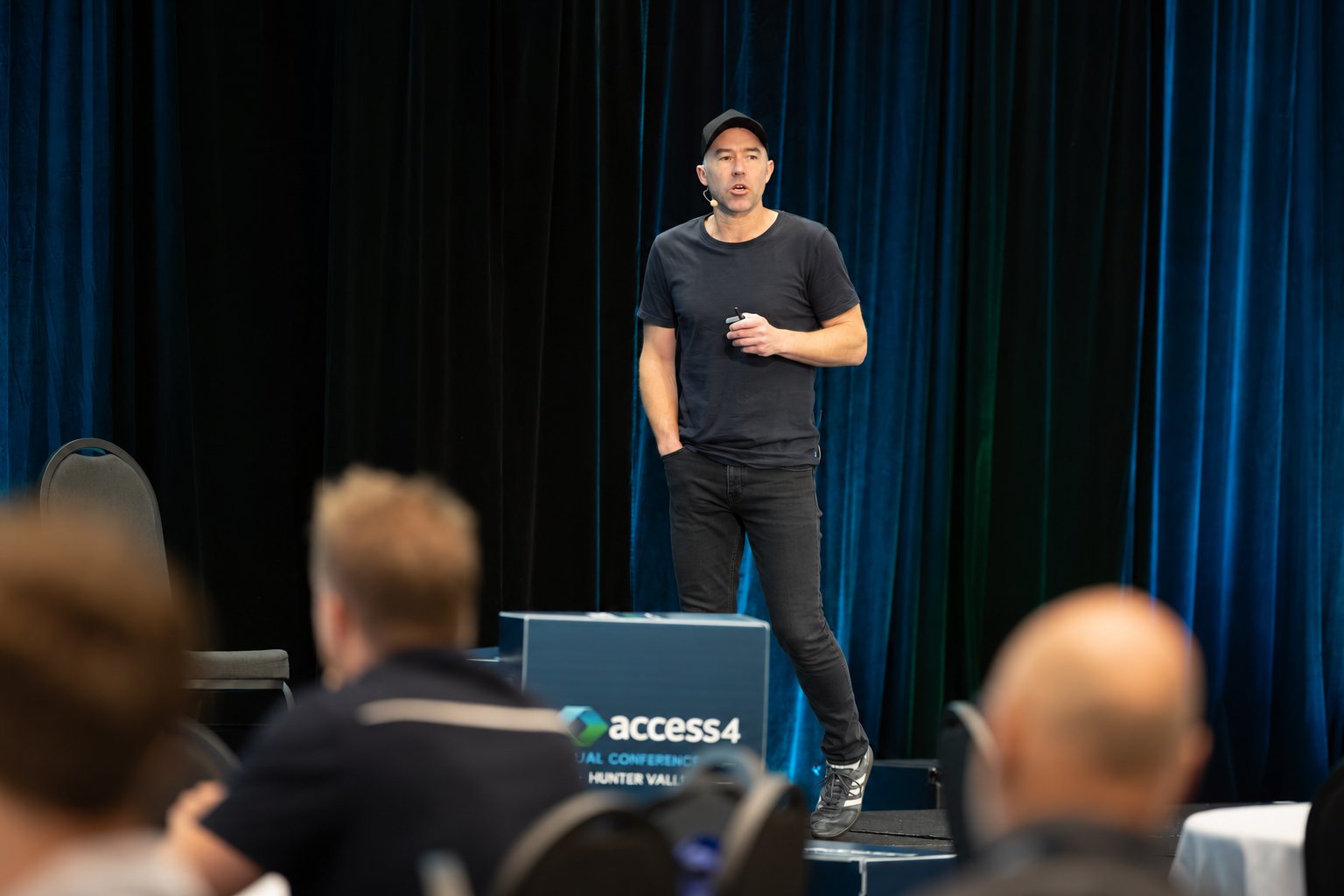
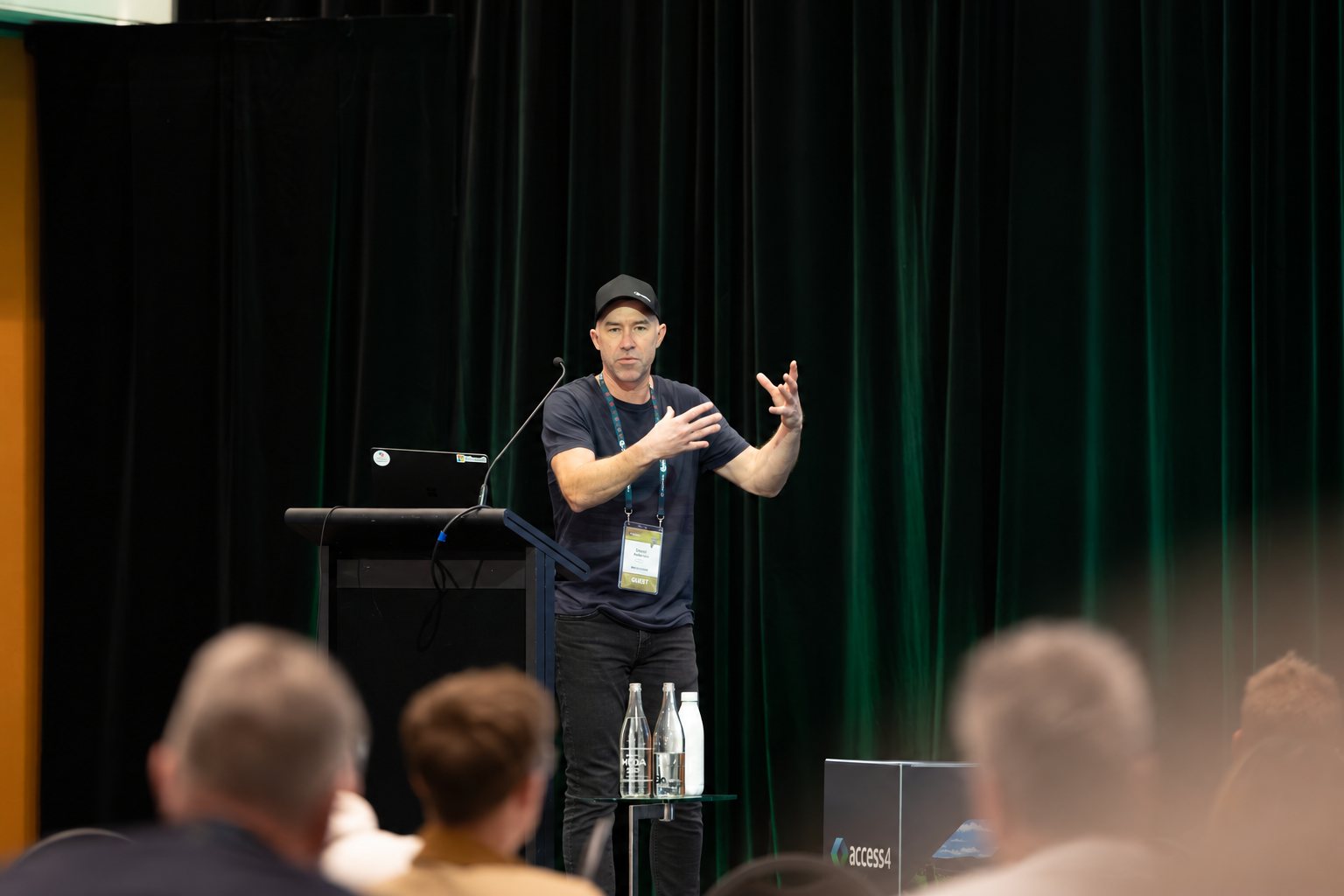
In the room with your people.
The things event teams ask first
Do you tailor talks to our organisation?
Yes. I adjust the examples, the language and the emphasis to your audience and where you actually are, which is why the booking form asks about your Microsoft 365 context.
Do you do hands-on sessions as well as keynotes?
Yes. Keynotes create clarity. Workshops create movement. Most clients do both, often a keynote for the leadership group and a working session for the people who'll run it.
Can you include a live demo?
Yes, when it suits the room and the Wi-Fi. I can also run demo-safe sessions that don't depend on an unpredictable environment, with the real thing recorded.
Where do you speak?
In person anywhere in Australia, and remotely for events anywhere else. I'm based in Melbourne.
Book Daniel for your event
Tell me the event type, the audience and what you want to shift. I'll come back with the right format and topic options within one business day.
1. Event date, location and format
2. Audience size and roles
3. Your Microsoft 365 context
4. The outcome you want
Not booking an event, but the problem sounds familiar?
The AI Workforce Assessment maps every hour AI can hand back to your business, and the AI Concierge puts me in the work with you month by month.