
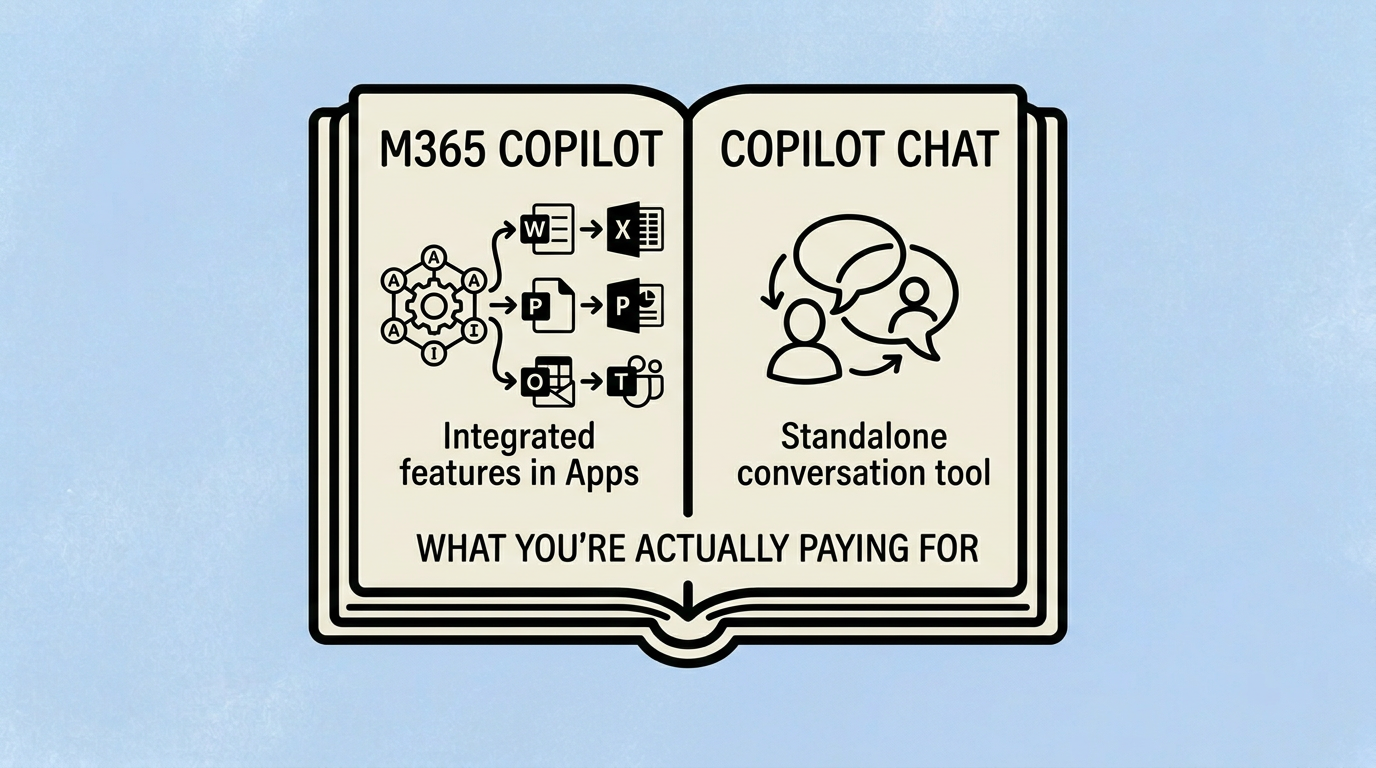
Copilot Chat is the AI chat included free with eligible Microsoft 365 plans: it works from the web, the files you give it and, in Outlook, your mailbox and calendar. Microsoft 365 Copilot (M365 Copilot) is the paid add-on, US$30 a user a month for enterprise plans, that reasons across all of your organisation’s emails, meetings, chats and files, and adds Copilot in Teams, Word, Excel and PowerPoint plus agents like Researcher and Analyst.
The line between them moved in 2026. Microsoft now labels the free tier “Basic” and the licensed tier “Premium” inside the apps, Copilot in Word, Excel, PowerPoint and OneNote is listed as a paid-licence feature, and Microsoft has started renaming Microsoft 365 Copilot to Microsoft Copilot. If you’re an IT lead, a Microsoft 365 admin or a consultant working out who needs what, this is the current breakdown.
Copilot Chat vs Microsoft 365 Copilot at a glance
| Copilot Chat (free, “Basic”) | Microsoft 365 Copilot (paid, “Premium”) | |
|---|---|---|
| Price | Included with eligible Microsoft 365 plans | US$30 a user a month (enterprise add-on, paid yearly). US$21 for Copilot Business. Included in Microsoft 365 E7 |
| Web-grounded chat, file upload, image generation | Yes | Yes |
| Grounded in your emails, calendar, meetings and chats | Only in Outlook, from a limited set of content | Yes, everywhere, through Work IQ |
| Searches across your SharePoint, OneDrive and Teams content | No, only files you upload or point to | Yes |
| Copilot in Outlook | Yes, standard access | Yes, priority access |
| Copilot in Word, Excel, PowerPoint and OneNote | Depends on your tenant | Yes |
| Copilot in Teams, including meeting recaps | No | Yes |
| Researcher, Analyst and Facilitator agents | No | Yes |
| Build agents with Agent Builder | Yes | Yes |
| Using agents grounded in organisational data | Metered, pay as you go | Included |
| Access when the service is busy | Standard | Priority |
| Enterprise data protection | Yes | Yes |
| SharePoint Advanced Management | No | Included |
Pricing is US list price as at 30 October 2026, from Microsoft’s enterprise and business pricing pages. Check them for your region and agreement.
What do the Basic and Premium labels mean?
Microsoft shows a label under your name in the Copilot app and in Word, Excel, PowerPoint and OneNote. According to Microsoft Learn, there are three:
- Copilot Chat (Basic): no paid licence, and no Copilot chat inside Word, Excel, PowerPoint or OneNote.
- Microsoft 365 Copilot (Basic): no paid licence, but standard access to Copilot in those apps.
- Microsoft 365 Copilot (Premium) or (Pro): the person has the paid licence, with the full experience and priority access.
So “basic vs premium” is the same question as “Copilot Chat vs Microsoft 365 Copilot”. Basic is what everyone with an eligible plan gets. Premium is what the licence buys.
What Copilot Chat does, and where it stops
Copilot Chat is available at no extra cost to anyone with a Microsoft Entra work account on an eligible Microsoft 365 plan, from Business Basic through to E3 and E5 and the frontline F plans. There’s no separate licence to assign.
It gives your people a capable AI assistant grounded in public web data. They can ask questions, upload files, generate images and get help drafting and analysing, using the latest models with standard access (which can be slower or restricted when demand is high). It’s covered by enterprise data protection, so prompts and responses aren’t used to train the underlying models.
Outlook is where Copilot Chat goes furthest. Copilot Chat in Outlook can work across your emails, calendar, meetings, chats and a bounded set of files (your OneDrive, files shared with you, files you’ve opened and your frequently visited SharePoint sites), even without a licence. It can summarise a week of email on a project, tell you when your next one-on-one is or draft a reply. I show how far that goes in turning Copilot Chat into your Outlook email assistant.
Where it stops is the rest of your organisation’s data. Outside Outlook, Copilot Chat can’t search your SharePoint libraries, Teams conversations or meeting transcripts on its own. To get that content in, people have to upload or paste it, point to a specific file, or use an agent that’s grounded in it, and those agent conversations are billed per use. That billing needs an Azure subscription or prepaid Copilot Studio capacity packs.
Copilot inside Word, Excel, PowerPoint and OneNote is no longer a given either. Microsoft’s plan comparison lists it under the paid licence, and whether unlicensed people still see it depends on your licensing and tenant configuration. Unlicensed people can still use the Word, Excel and PowerPoint agents in the Microsoft 365 Copilot app, which work with the file they have open.
What Microsoft 365 Copilot adds
Microsoft 365 Copilot is a per-user add-on that sits on top of an eligible Microsoft 365 subscription. You can’t buy it on its own, although Microsoft 365 E7 now includes it alongside E5, the Microsoft Entra Suite and Agent 365.
The defining difference is Work IQ: grounding through Microsoft Graph and semantic indexing across everything a person can access. When a licensed person asks a question, Copilot can reason across their email, SharePoint and OneDrive files, Teams chats, meeting transcripts and calendar in one answer. It respects existing permissions, so it only surfaces content that person could already open. So your SharePoint permissions need to be in order before you roll it out, which I cover in why your SharePoint needs an information architecture before AI.
That grounding changes how Copilot works in every app. In Word it drafts from your recent emails and meeting notes. In Teams it recaps meetings and answers questions about discussions you weren’t part of. Copilot in Teams isn’t part of Copilot Chat at all.
The licence also includes Microsoft’s prebuilt agents (Researcher, Analyst and Facilitator), agents grounded in your organisation’s data without per-use charges, priority access to models, AI-powered search, and admin tools including Copilot Analytics and SharePoint Advanced Management. I tested Researcher on a real paralegal task in Copilot Researcher for legal research.
Microsoft 365 Copilot Business for smaller organisations
In December 2025 Microsoft launched Microsoft 365 Copilot Business for organisations with up to 300 users, at US$21 a user a month paid yearly. It gives the same Copilot capabilities as the enterprise add-on and works with Business Basic, Business Standard, Business Premium, Apps for Business and Teams Essentials. Microsoft’s business pricing page also lists a first-year promotion of US$18 a user a month for purchases between 1 July and 31 December 2026. If you’re on a Business plan, check this before you buy the enterprise add-on. The decision about who needs it is the same, but the business case gets easier at that price.
Who actually needs a paid licence
This is where most organisations get it wrong. The instinct is either to license everyone or no one, and both waste money or leave value on the table.
The paid licence usually earns its keep for:
- Executives and senior leaders who need answers that draw on meeting history, strategic documents and communication across teams.
- Sales people who need full client email threads and meeting notes before every call.
- Project managers juggling documents, status updates and Teams conversations across several workstreams.
- Finance and HR teams who work with internal policies, reports and correspondence spread across SharePoint and email.
- Knowledge workers in content-heavy roles who draft, summarise and pull together information from multiple internal sources every day.
Copilot Chat is often enough for:
- Frontline workers who mainly need task guidance and occasional help.
- IT administrators whose day is system management rather than document work.
- Occasional users who use AI a few times a week for research, brainstorming or simple drafting.
- Inbox-heavy roles whose AI needs sit mostly in email and calendar, now that Copilot Chat in Outlook can work across them.
The practical test is one question: does this person regularly need AI to reason across their meetings, Teams chats and SharePoint files to do their job? If yes, the paid licence is justified. If they mostly need web-grounded chat, help in Outlook and help with a file they can hand over, Copilot Chat covers it.
Five Copilot rollout mistakes I keep seeing
1. Licensing everyone at once without proving the use cases. Start with a small group, measure the time saved on specific tasks, then expand based on evidence. Most organisations go straight to bulk licensing and then struggle to show the value.
2. Rolling out before the data is ready. Microsoft 365 Copilot surfaces everything a person has permission to see. If your SharePoint is overshared, sensitivity labels aren’t applied or your site structure is a mess, Copilot will expose it quickly. Fix permissions and governance first.
3. Not explaining the two tiers to your people. When some people see Premium and others see Basic, the Basic group often assumes their Copilot is broken, especially if Copilot has disappeared from Word or Excel for them. Tell people what each tier does and why certain roles were prioritised. It saves a lot of frustration and support tickets.
4. Skipping the baseline. Without before-and-after numbers you can’t prove value. Measure how long key tasks take before rollout, track them after, and report the impact by team. Otherwise the next budget review becomes an argument you’ll probably lose.
5. Underestimating agents. Agents that connect to internal systems need well-structured data, connector setup and proper build work. For Copilot Chat users they’re also metered, so budget for the usage as well as the build effort.
Why the Copilot names are so confusing
If the naming has you confused, you’re not alone. This is how it got here:
- February 2023: Microsoft launches Bing Chat, AI inside Bing search.
- July 2023: Bing Chat Enterprise adds commercial data protection.
- November 2023: Microsoft rebrands it all as Microsoft Copilot, and Microsoft 365 Copilot, the paid add-on, becomes generally available for enterprise customers.
- January 2025: The free work version becomes Microsoft 365 Copilot Chat, and the Microsoft 365 app becomes the Microsoft 365 Copilot app, even for people without a Copilot licence.
- December 2025: Microsoft launches Copilot Business for smaller organisations.
- During 2026: Basic and Premium labels appear in the apps, and Copilot in Word, Excel, PowerPoint and OneNote starts moving behind the paid licence for many unlicensed users.
- Later in 2026: Microsoft starts renaming Microsoft 365 Copilot to Microsoft Copilot, and Microsoft 365 Copilot Chat to Microsoft Copilot Chat. Microsoft Learn notes the old names will keep appearing in licences and some experiences during the transition.
As of October 2026, the names that matter are:
- Copilot Chat (Microsoft 365 Copilot Chat, now also called Microsoft Copilot Chat): included with eligible Microsoft 365 plans, shown as Basic in the apps.
- Microsoft 365 Copilot (M365 Copilot, now also called Microsoft Copilot): the paid add-on with access to your organisation’s data, shown as Premium or Pro. Copilot Business is the version for organisations with up to 300 users.
- Microsoft Copilot app: the app people open to use either tier at work. The consumer Copilot for personal accounts is a separate product.
The bottom line
Copilot Chat is a useful free tool, and every Microsoft 365 user should know how to get the most from it. For web research, help in Outlook and help with a file you hand it, it does the job well.
Microsoft 365 Copilot is for people whose work depends on AI that understands their organisation: their meetings, Teams chats, SharePoint files and colleagues. The licence pays for itself when the time saved on drafting, summarising and searching across that data is real and measurable.
The approach that works is to give everyone Copilot Chat, identify the roles where organisational data makes the biggest difference, run a focused pilot with baselines, and scale on evidence. If you want help working out which roles and which processes, the AI Workforce Assessment maps exactly that.
Frequently asked questions
Do I need a licence to use Copilot Chat? No. Copilot Chat is available at no extra cost to anyone signed in with a work account on an eligible Microsoft 365 plan, including Business Basic, Business Standard, Business Premium, E3, E5 and the F plans. You need the paid Microsoft 365 Copilot licence for Copilot in Teams, the Researcher and Analyst agents, and grounding across all your organisation’s data.
What is the difference between Copilot Chat (Basic) and Microsoft 365 Copilot (Premium)? Copilot Chat (Basic) is grounded in the web, the files you provide and, in Outlook, your mailbox and calendar, with standard access to the models. Microsoft 365 Copilot (Premium) adds Work IQ grounding across your emails, meetings, chats and files, Copilot in Teams and the Office apps, prebuilt agents and priority access, for US$30 a user a month on enterprise plans.
Can Copilot Chat access my company’s emails and files? Partly. Copilot Chat in Outlook can work with your emails, calendar, meetings, chats and a limited set of files, such as your OneDrive and files shared with you. Outside Outlook it only sees what you upload, paste or point it to, or what a metered agent is grounded in.
Why did Copilot disappear from Word and Excel for some of my users? Microsoft now treats Copilot in Word, Excel, PowerPoint and OneNote as a paid-licence feature, and availability for unlicensed users depends on your licensing and tenant configuration. Check the label under the person’s name: “Copilot Chat (Basic)” means no Copilot chat in those apps. They can still use the Word, Excel and PowerPoint agents in the Microsoft 365 Copilot app.
How much does Microsoft 365 Copilot cost? The enterprise add-on lists at US$30 a user a month, paid yearly, and is included in Microsoft 365 E7. Microsoft 365 Copilot Business, for organisations with up to 300 users, lists at US$21 a user a month, with a first-year US$18 promotion for purchases made by 31 December 2026. Prices vary by region and agreement.

